Vysor - Android control on PC
ClockworkMod
Downloads
5,000,000+
Source
Google Play
Advertisement
Click to download now, finish the installation quickly, and directly unlock the all-round experience
Advertisement
Screenshots
Click to download now, finish the installation quickly, and directly unlock the all-round experience
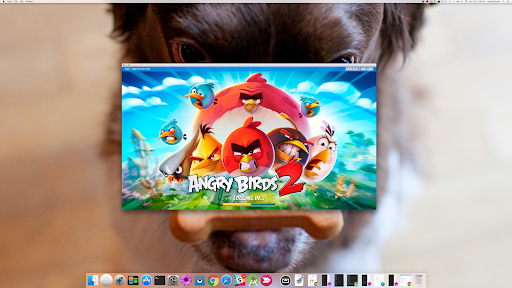
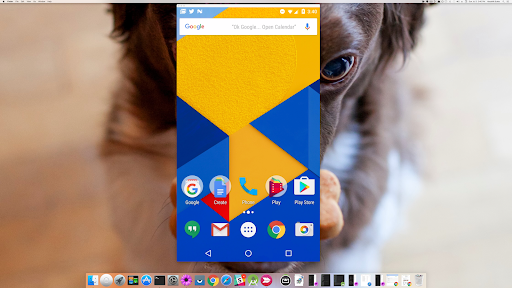
Vysor shows your Android device on a computer and lets you control it there. You can use a mouse and keyboard to interact with apps instead of holding the phone, or mirror its screen onto a larger display. It suits people who want to work with a phone from their desk, show its screen during a presentation, or test an app on a real device.
Developers can use Vysor to work with a physical Android device from a computer rather than relying only on an emulator. Its screen-sharing feature can also help someone view a device remotely, for tasks such as troubleshooting or assistance. These uses depend on connecting the phone with a computer; Vysor is not simply a standalone phone utility.
Vysor is most useful when there is a clear reason to put the phone’s screen and controls on a computer. If you only need to use Android apps on the phone itself, it adds little. The computer connection and setup are part of the job, so this is better suited to occasional focused sessions than to a tool you open for everyday phone use.
Published by ClockworkMod in Productivity, Vysor has more than 5 million installs. Its rating is 3.16 out of 5 from 12,795 reviews, a mixed response worth weighing if reliability is important for your workflow. It is aimed at people who value computer-based access to a real Android device, rather than a broader suite of productivity features.